

 About
About 



The new dystopian co-op horror cooking game Happy's Humble Burgatory is set to be released on Steam on July 16, 2026
Posted in: Pop Culture, Technology | Tagged: Review, Yamaha. Sound Bar
Seeking Better TV Audio: We Review The Yamaha SR-C30A Sound Bar
We reviewed the Yamaha SR-C30A Sound Bar to see if the device actually does a good job of providing better audio for Smart TVs
Article Summary
- Yamaha SR-C30A targets weak Smart TV sound, delivering a clear, noticeable upgrade over built-in speakers.
- Optical proved the best Yamaha SR-C30A connection, while Bluetooth introduced a frustrating 1–2 second delay.
- Clear Voice helps dialogue, sports, and live TV, while Bass Extension adds punch for movies, games, and action.
- At $200, the Yamaha SR-C30A is a solid budget sound bar, but bigger cinematic sound requires a pricier upgrade.
There's no fun way to say this, so we'll just say it: Most Smart TVs have terrible speakers and audio. Some call it a conspiracy to sell more products; others call it a decline in tech for better visuals. But regardless of how you see it, the reality is that many of the TVs you see on the market these days have the absolute worst audio options. There's no single reason, but the most common is that many of the TVs we have today are so thin that whatever space remains for a sound system is nonexistent, and the speakers on most TVs sound no better than holding a portable speaker next to your ear.
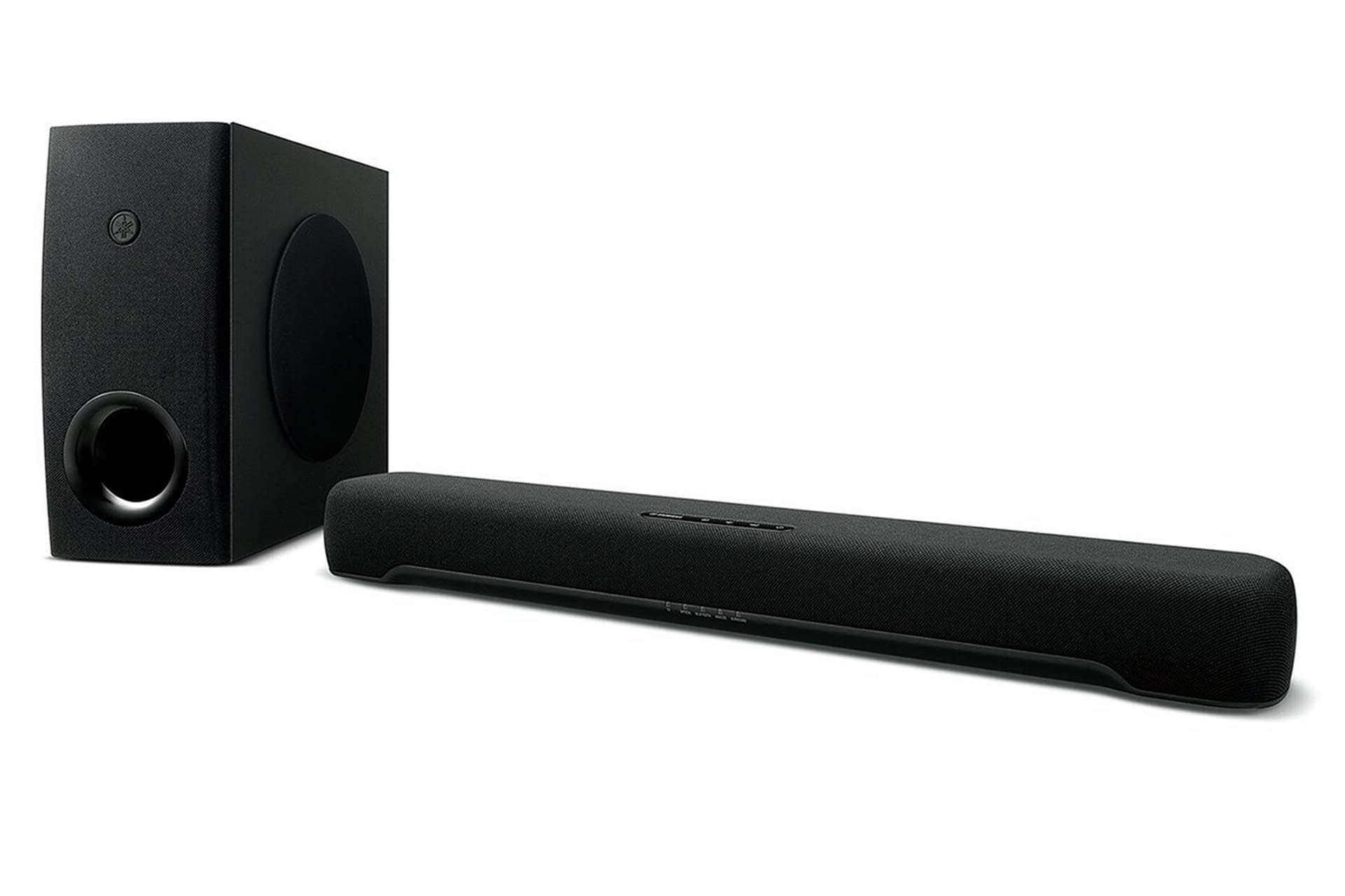
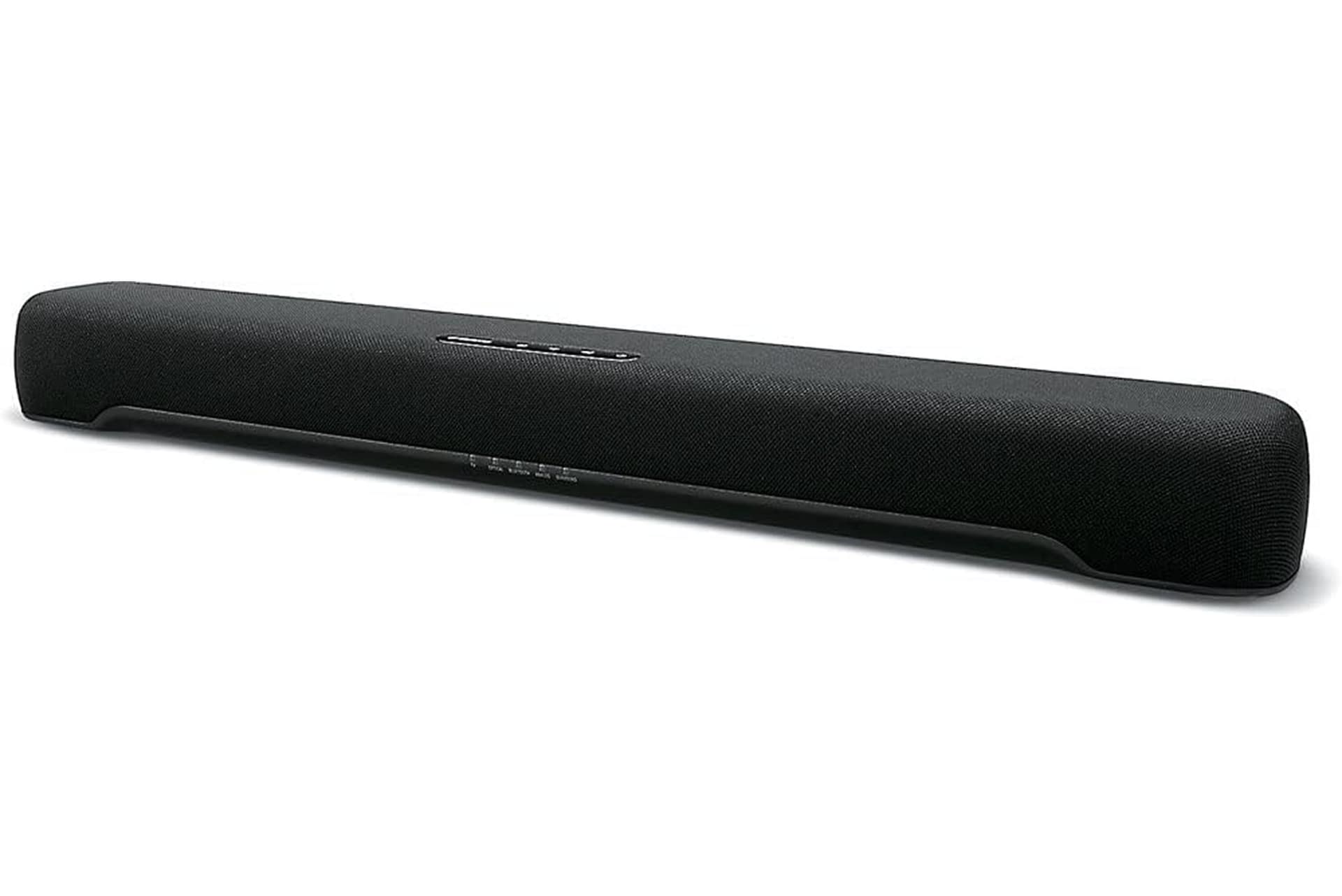
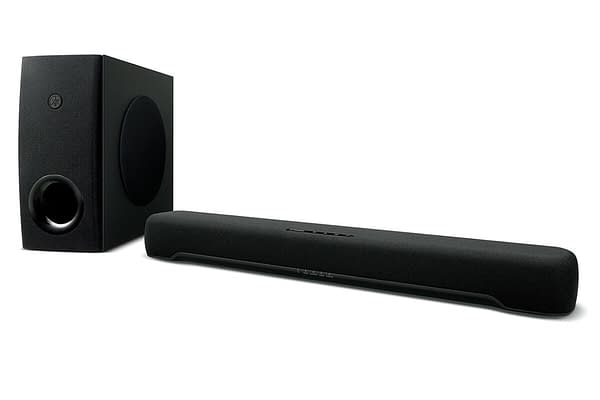
Because of this, soundbars have found a new market, improving audio by putting it through a dedicated device focused solely on that. Recently, we were sent the Yamaha SR-C30A Sound Bar to test and review to see how well it handles this very problem.
Improving Bad Audio, But By How Much? We Put This Yamaha Sound Bar To The Test
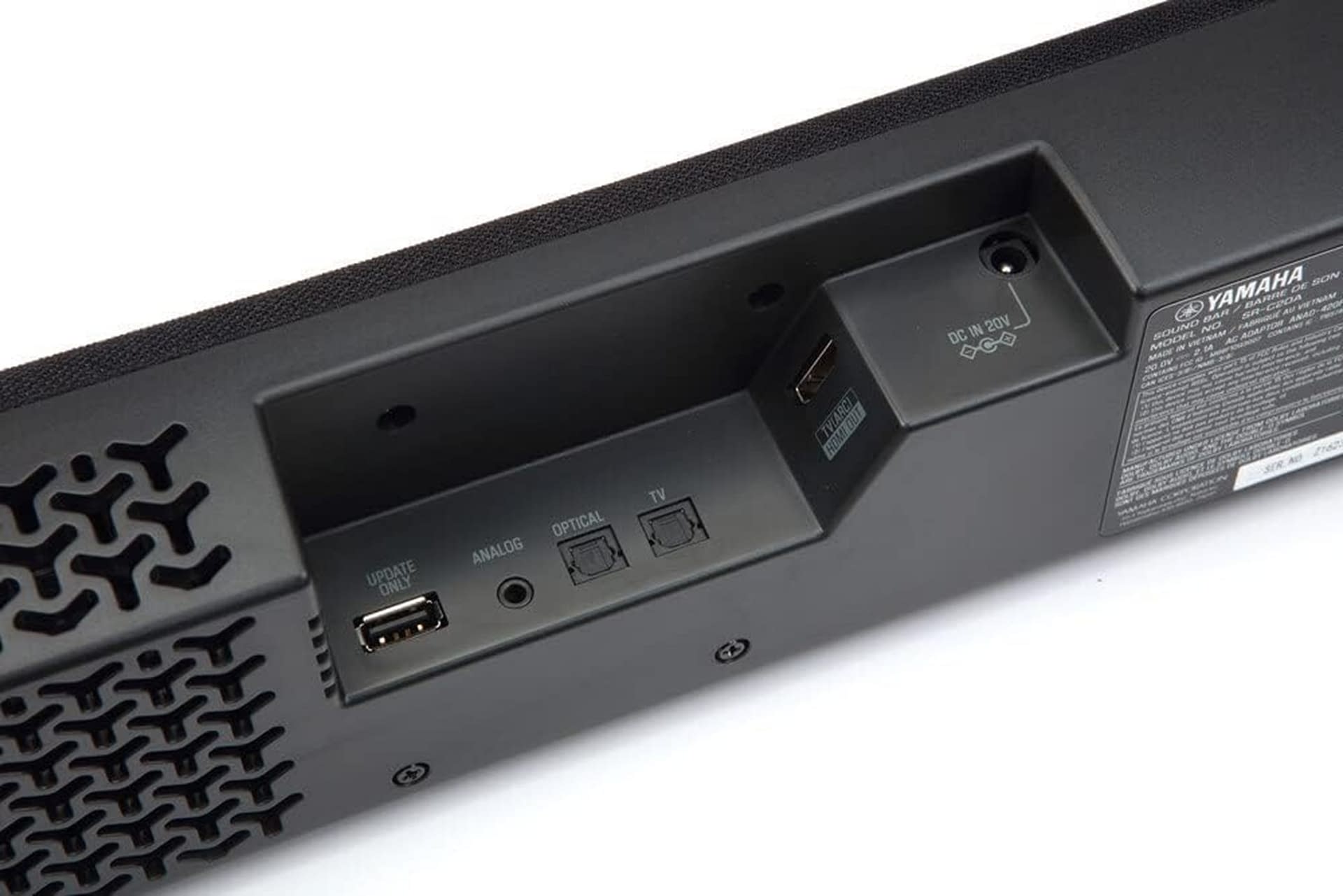
This sound bar is about is pretty simplistic compared to others on the market. It only has a handful of ports on the back, which was disappointing, as you really only have the options of HDMI-ARC (which not a lot of Smart TVs have as an output, or the ones that do force you to sacrifice an input), along with two options for optical input, and one for Analog using a 3.5" audio jack. There's a USB port on the back, but it quite literally says "Update Only." (Which, yes, we checked Yamaha's official updates area, and there has never been one released for this model.)
We downloaded Yamaha's official Sound Bar App for this, and it comes with no option to remotely update it, which makes this weird and kind of archaic in design, which is compounded by the fact that it comes with a wireless subwoofer. Yes, let me repeat that, it can connect wirelessly with the subwoofer, but it cannot connect to the internet or an app to do a remote update. This is the kind of mismatched and missing tech that frustrates us, because if it can do one thing, it logically should be able to do another thing that uses the same tech. Which means either they forgot or refused to include it.
-
- Credit: Yamaha
-
- Credit: Yamaha
So the primary goal of any sound bar is to provide better audio regardless of the device it's connected to. Okay… so we tested this against four different models of Smart TVs to see how well it did. The results were pretty much the same across the board. There was a noticeable upgrade in audio, which wasn't hard to achieve, since most of the TVs we tested basically have a cheap speaker sitting behind a piece of cardboard. Adding ANY speaker to them was an improvement. So we played around with the settings to see what we could find. The best option is optical, as Bluetooth will have a 1-2 second delay, depending on the TV. Analog was good, and we heard no significant difference between Optical and ARC.
Yamaha added the option of having Clear Voice and Bass Extension. Clear Voice works well if you're watching most TV shows, but especially well for live TV such as sports, the news, SNL, etc. Bass Extension is great if you're just looking to hear the noise around you blasted through the subwoofer, recommended for games, films, etc. The app and the remote also come with four sound profiles: Stereo, Standard, 3D Movie, and Game. While there are variations in how they sound, the device doesn't do an ample job of making it feel like any of them truly showcase a difference. If I switch on 3D Movie, it doesn't enhance a film that much more than if I just have Clear Voice on.
Ultimately, the Yamaha SR-C30A Sound Bar does alright, but it could be better. And maybe that's the point, because when looking at all of Yamaha's other sound bar options, this is on the low end of the price scale. Which is saying something considering this is $200. It fixes the crappy audio issue for most Smart TVs, so if you just want that addressed, this does fine. (Provided you have the right connection.) If you're looking for a greater stereo experience, you'll need an upgrade. I'd also recommend this for PC use using the 3.5" jack, as I'm sure this would improve the audio options for most players who aren't interested in buying a fancy multi-speaker setup for their tower.
Enjoyed this? Please share on social media!



Stay up-to-date and support the site by following Bleeding Cool on Google News today!