


 About
About 


Modiphius Entertainment revealed XCOM: The Miniatures Game — an all-new miniatures adventure wargame. Pre-orders start in July; retail releases from Fall to Winter.
Posted in: Conventions, Events, Pop Culture, TwitchCon | Tagged: TwitchCon Europe 2026
TwitchCon Europe 2026 Reveals New Updates Coming to the Platform
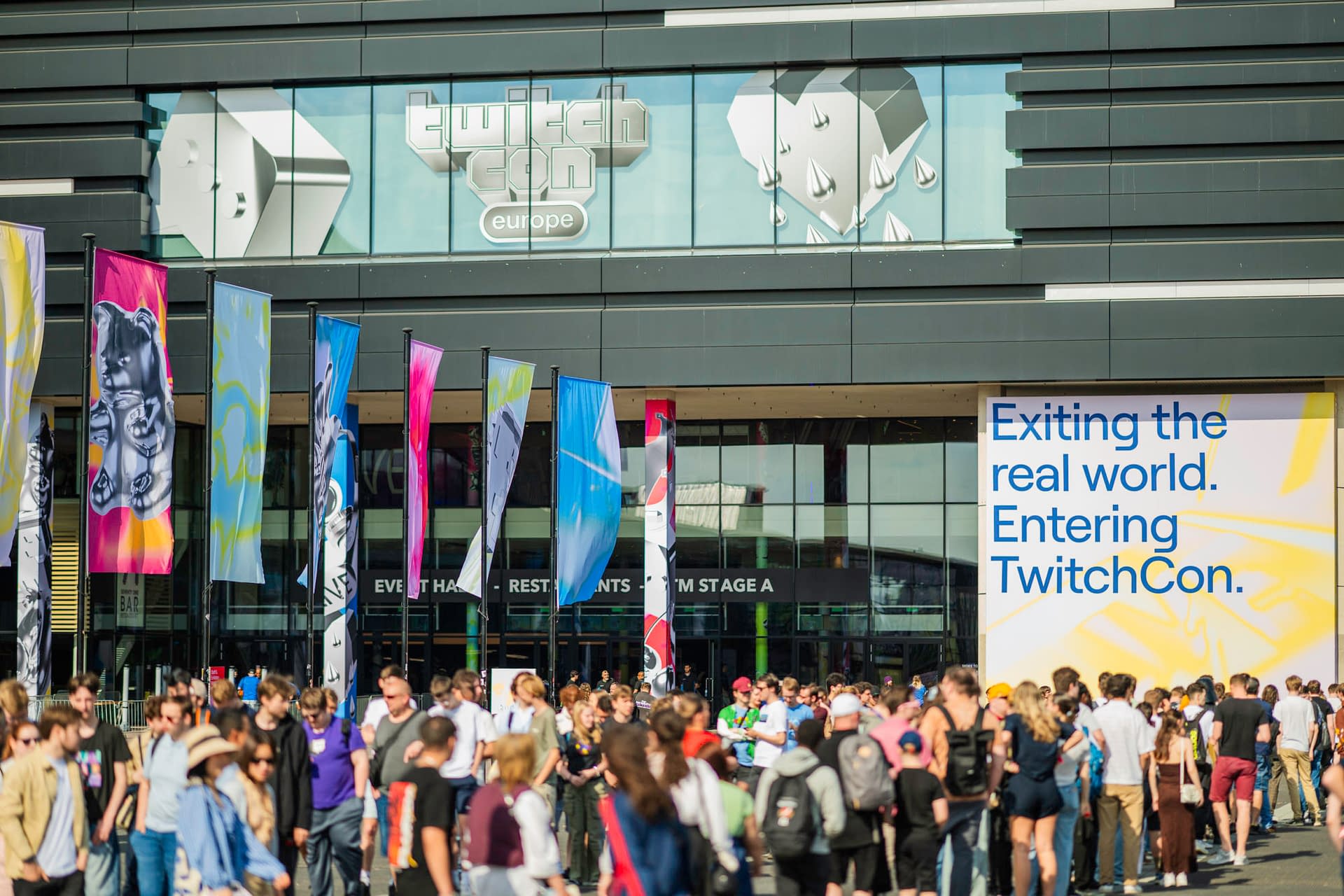
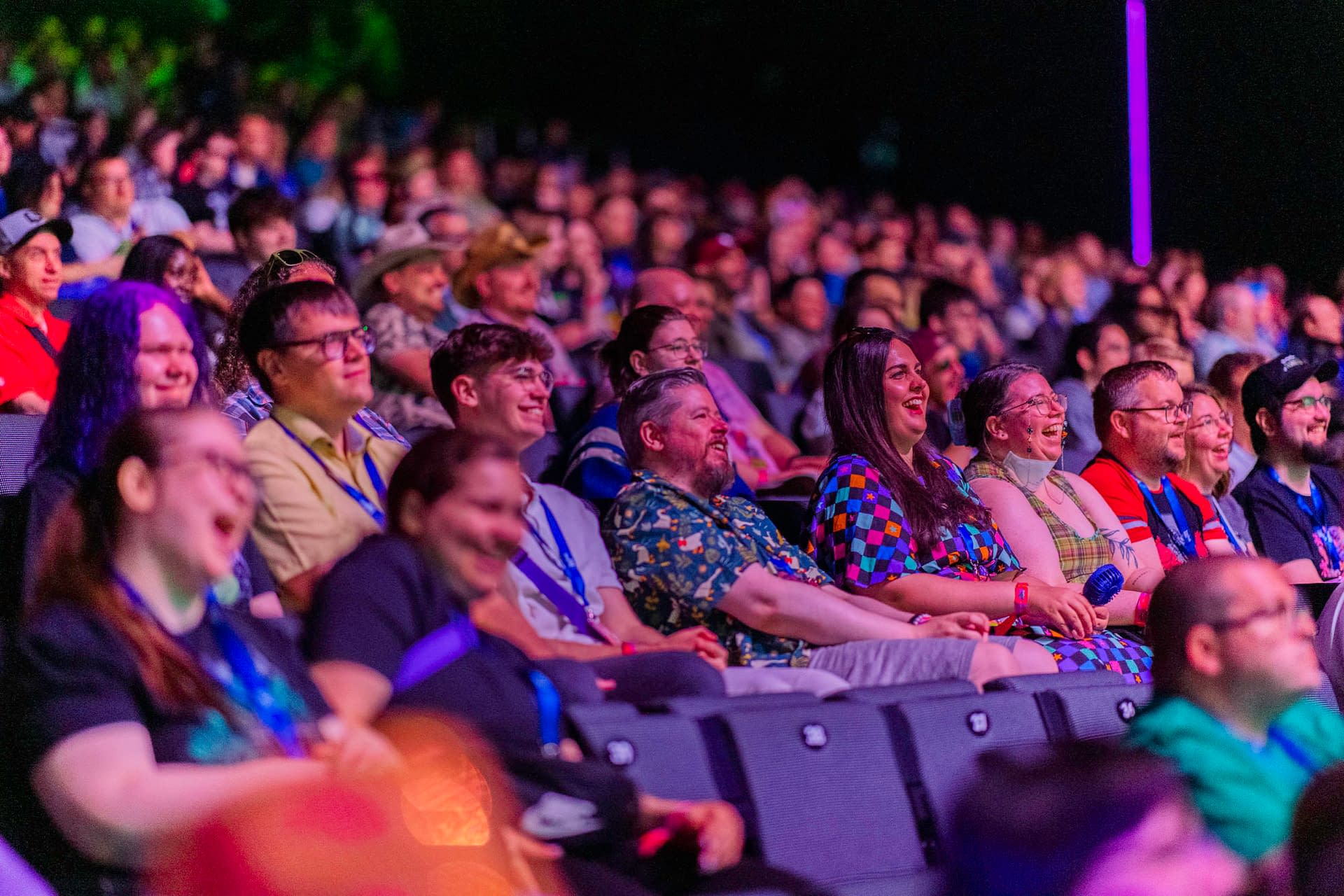
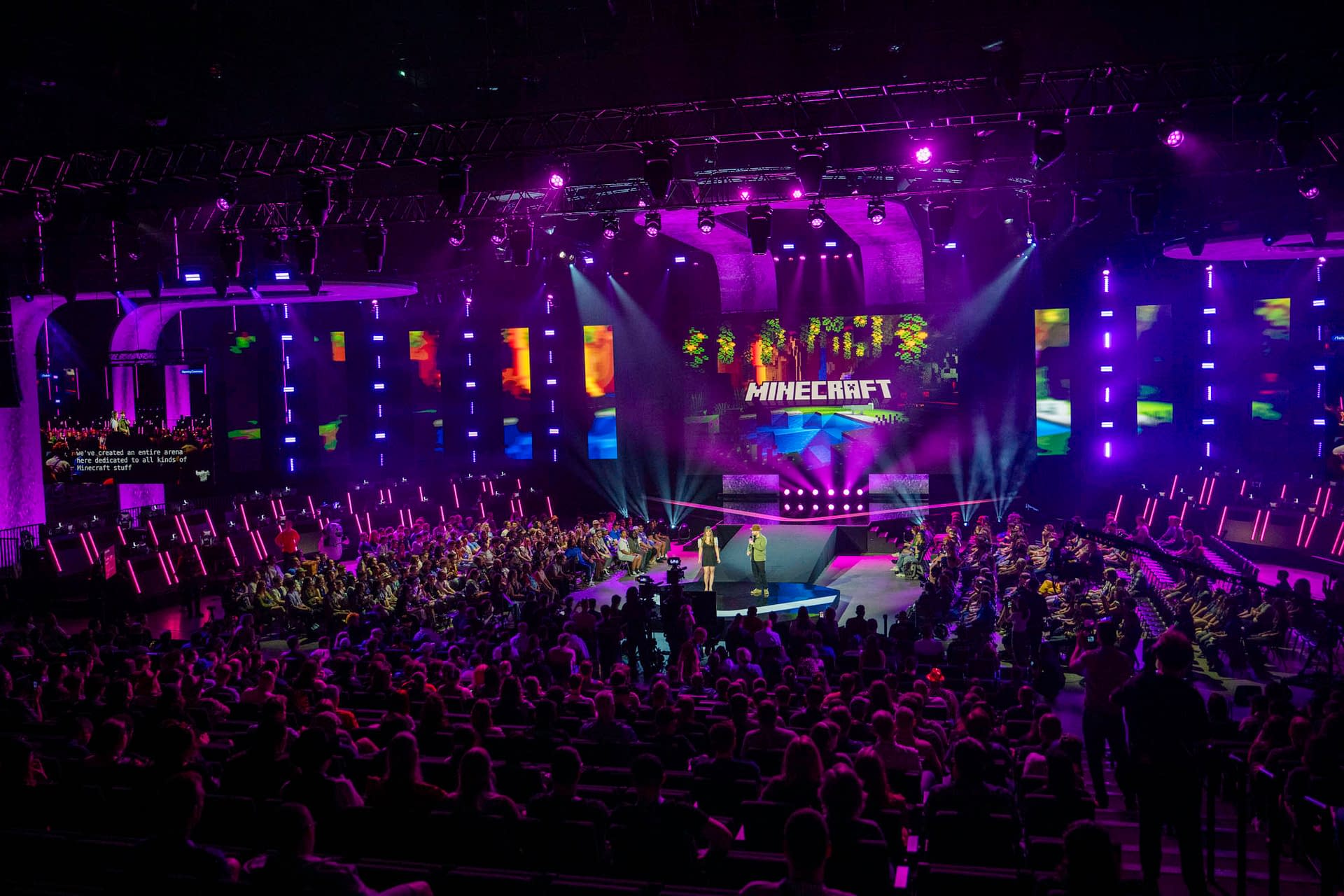
During the opening ceremony for TwitchCon Europe 2026, the company revealed multiple new changes coming to the platform this year
Article Summary
- TwitchCon Europe 2026 revealed major Twitch updates, including Dual Format streaming and expanded 2K 1440p support.
- Twitch announced smarter live notifications and Stream Summaries to help viewers jump in and catch up mid-stream.
- TwitchCon showcased new clip tools like Auto Clips, clip captions, and Stories recaps to boost sharing and discovery.
- Twitch also confirmed Berlin for TwitchCon Europe 2027, plus creator-focused updates for sponsorships, Drops, and payouts.
Organizers for TwitchCon Europe 2026 opened today's ceremony with several announcements of changes and improvements coming to Twitch. Among them was the reveal that the next European event would happen in Berlin in 2027, as well as the introduction of Dual Format streaming updates, Expanded 2K (1440p) streaming support, Stream Summaries, a new Stories recap, clip discovery features, sponsorship and Drops updates, Gameplay Ads, Streamer-Led Promotions, and payout updates for Eurozone creators. We have some of the details from their latest blog for you below, as you can watch the full opening ceremony above.
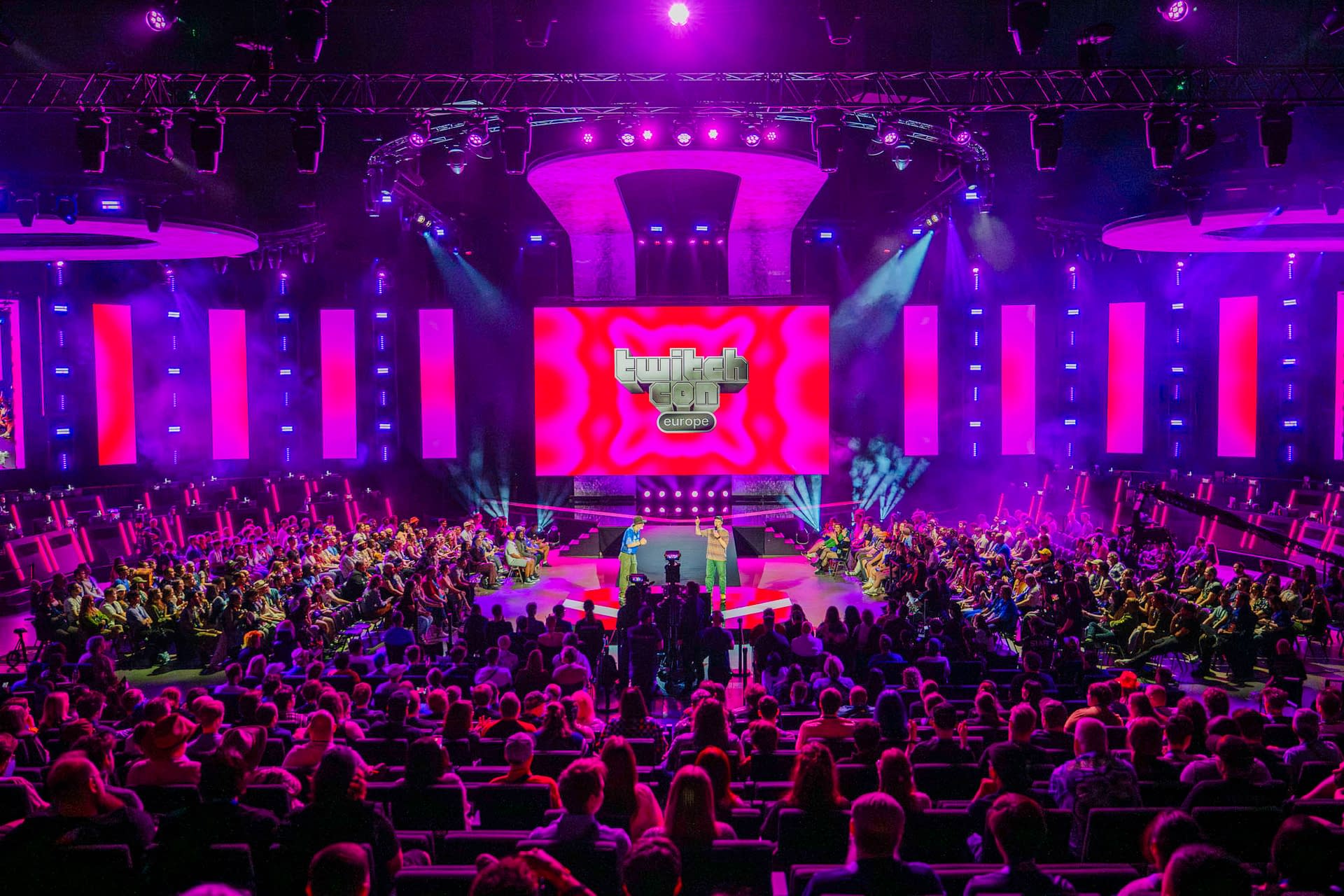
TwiitchCon Eprope 2026 Provided Several Updates and Announcements
Dual Format lets you stream in both horizontal and vertical formats at the same time. This means that viewers on mobile will see a full screen vertical view optimized for mobile devices, and viewers watching on a desktop will see the classic horizontal format. When you're viewing on mobile, you get an optimized layout when holding the phone vertically. You can switch to classic split view. And when you turn the phone from either view, you're back in a full screen horizontal view.
We've gotten a lot of positive feedback during the beta and made noticeable performance improvements, too. Dual Format leverages Enhanced Broadcasting technology, which uses the client to encode multiple variants of your stream to viewers. When we roll this out next month, we'll be adding server-side transcoding support for Partners and many Affiliates, to offset the strain this can put on some systems.
Leveling Up 2K (1440p) Streaming
As part of Enhanced Broadcasting, we're also launching 2K streaming to all Partners and Affiliates in June. Going live in 2K at 1440p resolution allows for more detailed streams, and we've also bumped up bitrates across the board — up to 9 Mbps for 1440p and 7.5 Mbps for 1080p — so streams look sharper and more consistent, even during fast-paced gameplay.
Improvements to Notifications
As we continue to improve the viewing experience, we've also been working on updates to notifications to make sure your viewers know when you're live. You may have noticed that we added avatars to notifications to make your live ups feel more personal and help them stand out to your community, a change that significantly increased engagement and drove more viewers to your streams. Soon, we'll be adding new ways for you to send additional notifications while you are live. For example, if you change games, bring on a guest, or hit a Hype Train record, we'll update your community based on these events mid-stream, to let them know what's happening and encourage more viewers to join in on the fun.
-
- Image provided courtesy of Twitch
-

- Image provided courtesy of Twitch
-

- Image provided courtesy of Twitch
Mid-Stream Summaries
Speaking of joining a stream in the middle, have you ever shown up at a stream and wondered what has been going on up to that point? Today, we're announcing our new stream summary feature. Stream summaries will generate a brief synopsis of what has been happening in the stream, so you can jump right in without feeling like you missed out. We'll continue to experiment with the information shared with viewers as we roll this out.
Upping our Investment in Clips
Live content is the heart of Twitch, but even the most dedicated community members can't always be there for every moment. That's why we're continuing to invest in clips and making them easier to create, share, and discover. By the time you receive the stream summary email at the end of your stream, we want you to be able to quickly pick out a handful of clips to provide a recap — kind of like a highlight reel — so you can easily share these clips both on and off Twitch.
Auto Clips
First, we're making it easier to create and select great clips to share. Auto Clips automatically generates captioned clips from the best moments from your stream, by taking into account chat activity, vocal inflection, and on-screen events. "Twitch Clip That" is a great feature — if you say the phrase, we'll automatically create a clip that is easy to share later.Currently, only 50% of streamers have a clip to share after any given stream. But for streamers using Auto Clips, that number is up to 85%. We'll be moving to beta in the coming months.
-

- Image provided courtesy of Twitch
-
- Image provided courtesy of Twitch
-
- Image provided courtesy of Twitch
Captions
Starting next week, we'll be rolling out the ability to add captions to your community clips automatically. You'll be able to edit the text, timing, and style of the captions on your clip so they're optimized for viewers watching with sound off. We are also exploring other ways to enhance your clips, such as auto-cropping and trimming.
More Clips in Stories
Starting in June, we'll show you a sorted list of the best clips from your stream at the top of your stream summary — so you can quickly share the ones you like to your Twitch Stories — to create a highlight reel or recap of your stream. We've found that the most valuable part of the Stories feed is when streamers post clips. So, we're doubling down and evolving the Stories feed to make it easier for your viewers to see your clips.
By sharing clip recaps to your stories after every stream, viewers who missed you live will have an easy-to-find, curated selection of clips ready to help them catch up. They'll be able to react to your clips, giving you strong signals about the best clips to share off Twitch to reach new viewers. And of course, one reason to share your clips is to make it easy for your viewers to keep Watch Streaks alive. We'll also be adding clips from your favorite streamers into your live feed, so you can get caught up on the action and get ready for the next stream.
Enjoyed this? Please share on social media!



Stay up-to-date and support the site by following Bleeding Cool on Google News today!